Open a 3D model from a link
Paste the https link of a .glb, .gltf or .3mf file. It opens here in 3D, and in AR on your phone.
Your browser loads the file straight from where it is hosted. Nothing is uploaded to SceneView.
Or open a real product
61 real products, each at its real-world size — open one in 3D, then place it in your room in AR.
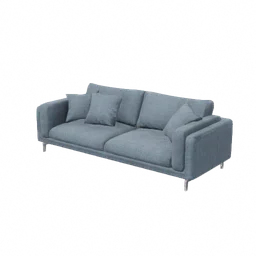
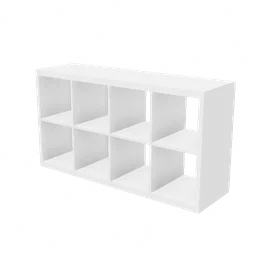
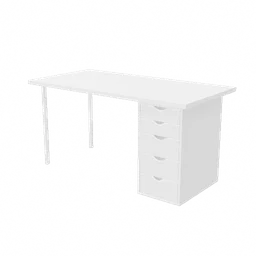
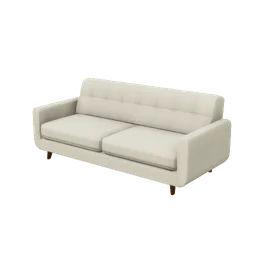
Furniture 11

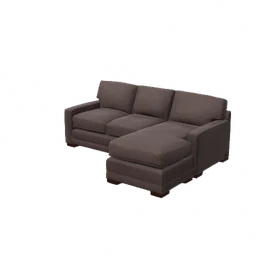
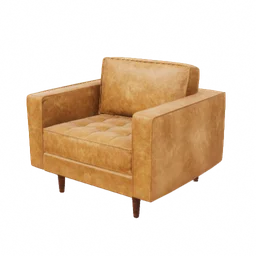
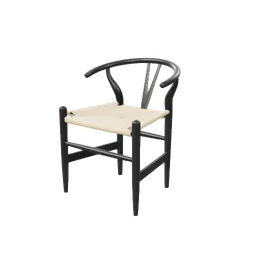
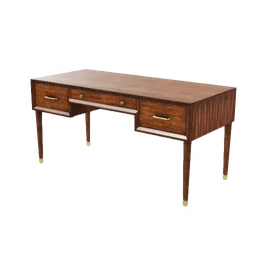
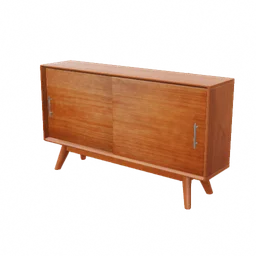
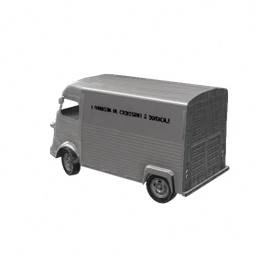
Cars 4

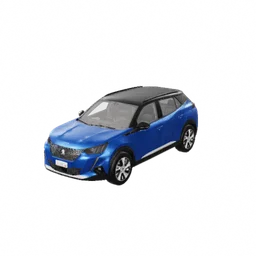

Bikes & scooters 4
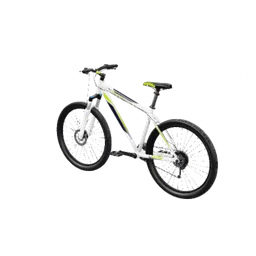
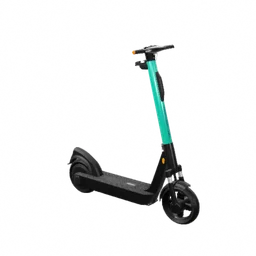
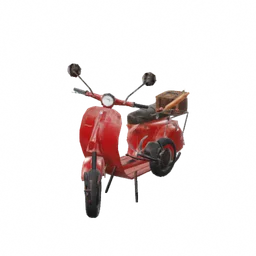
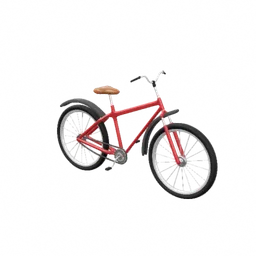
Kitchen & home 6
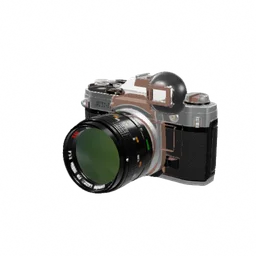
Tech 18
-
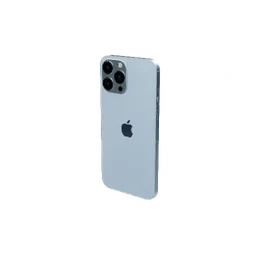 iPhone 13 Pro Max16 cm
 -
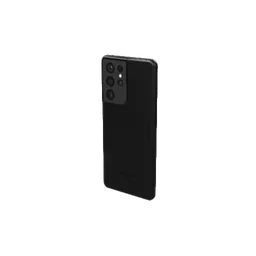 Samsung Galaxy S21 Ultra17 cm
 -
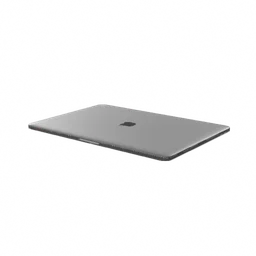 MacBook Pro 13"30 cm
 -
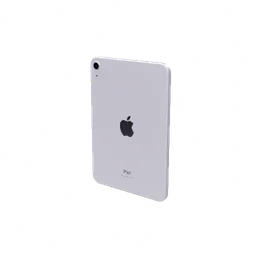 iPad mini 620 cm
 -
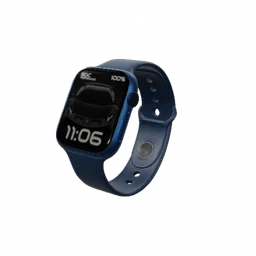 Apple Watch Series 74.5 cm
 -
 AirPods Pro8.0 cm
 -
 Nintendo Switch OLED24 cm
 -
 Xbox Wireless Controller16 cm
 -
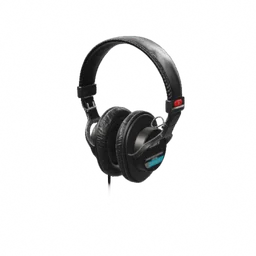 Sony MDR-7506 headphones22 cm
 -
 Skullcandy Crusher headphones19 cm
 -
 JBL Tour One M3 headphones19 cm
 -
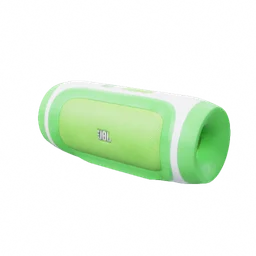 JBL Charge speaker18 cm
 -
 Ultimate Ears BOOM speaker26 cm
 -
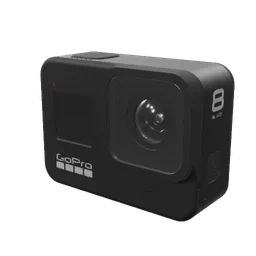 GoPro HERO86.6 cm
 -
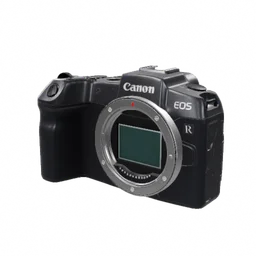 Canon EOS RP camera13 cm
 -
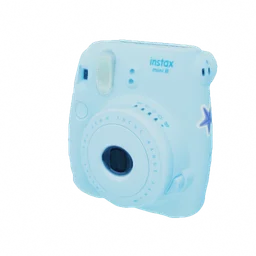 Instax Mini 8 camera12 cm
 -
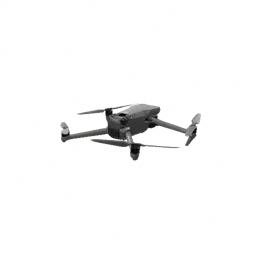 DJI Mavic 3 drone35 cm
 -
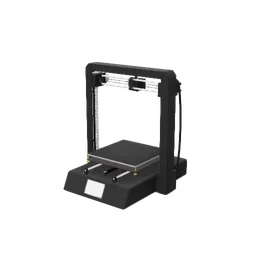 Desktop 3D printer45 cm
Fashion, sport & leisure 11
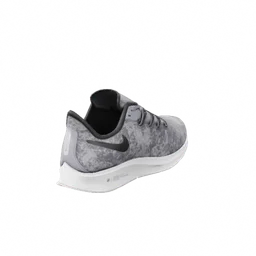
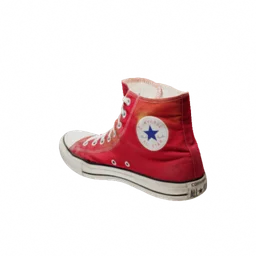
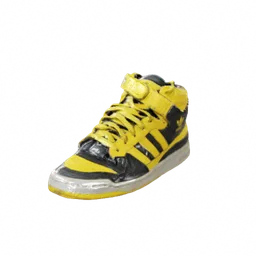
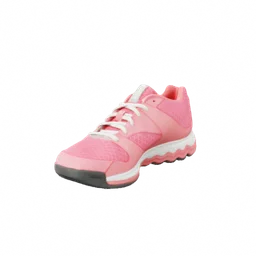
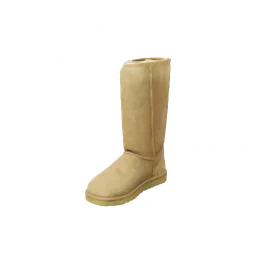
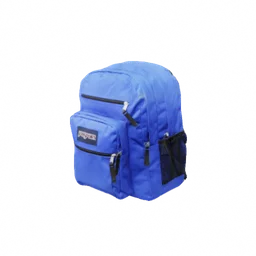
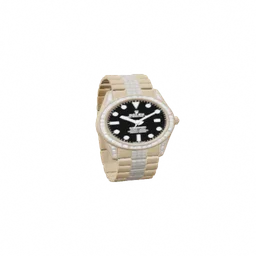
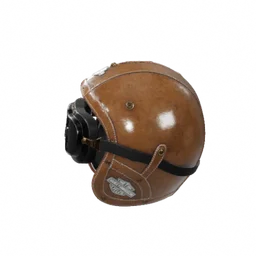
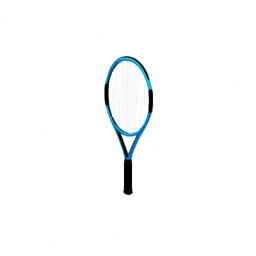
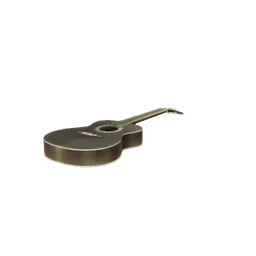
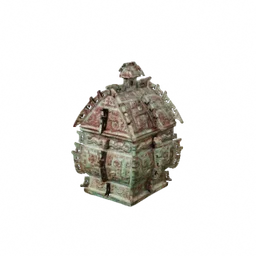
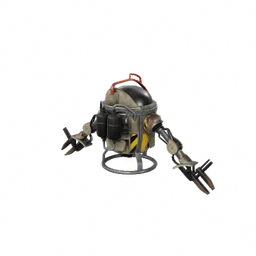
Space, museum & sci-fi 7
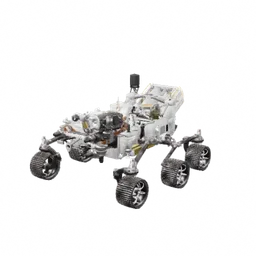

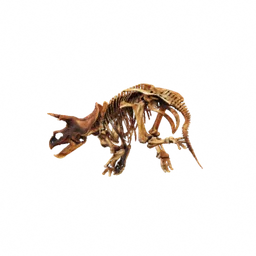
Share or generate a link
https://sceneview.github.io/view?url=<encoded https link to a .glb, .gltf or .3mf>
Add &usdz=<link to a .usdz> to open AR on iPhone and iPad. The file's host must allow cross-origin requests (CORS).
Drag to orbit · scroll to zoom
Scan with your phoneThis link opens the same model on your phone, where you can place it in your room in AR.
Fetched directly from its host by your browser. Nothing is uploaded to SceneView.
Open another model