The 3D & AR SDK that AI gets right on the first try
SceneView is designed so Claude, Cursor and every other coding assistant can produce correct 3D & AR code on the first try — for Jetpack Compose, SwiftUI, the Web, and beyond.


 Android
 iOS
iOS
 Web
visionOS
macOS
TV
Web
visionOS
macOS
TV
 Flutter
 React Native
Get started in seconds
Pick your platform, paste one line, and you are running 3D.
 Add to Claude
claude mcp add sceneview -- npx sceneview-mcp Cursor
{ "mcpServers": { "sceneview": {
"command": "npx", "args": ["sceneview-mcp"]
} } } GitHub Copilot
VS Code
GitHub Copilot
VS Code
{ "servers": { "sceneview": {
"type": "stdio",
"command": "npx", "args": ["sceneview-mcp"]
} } } Windsurf
{ "mcpServers": { "sceneview": {
  "command": "npx", "args": ["sceneview-mcp"]
} } }
// build.gradle.kts
dependencies {
// 3D only
implementation("io.github.sceneview:sceneview:4.5.0")
// 3D + AR
implementation("io.github.sceneview:arsceneview:4.5.0")
}// Swift Package Manager
// Add in Xcode: File → Add Package Dependencies
"https://github.com/sceneview/sceneview"
// Version: 4.3.4
import SceneViewSwift// One line in your HTML:
<script src="https://cdn.jsdelivr.net/npm/sceneview-web@4.5.0/sceneview-web.js"></script>
// Then use the API:
SceneView.modelViewer("canvas", "model.glb")# pubspec.yaml (coming soon on pub.dev)
dependencies:
sceneview_flutter:
git:
url: https://github.com/sceneview/sceneview
path: flutter// package.json
"dependencies": {
"react-native-sceneview": "github:sceneview/sceneview#react-native"
}
// Then run:
npm install
npx pod-install // iOS only// Compose Desktop: wireframe placeholder only
// (no 3D renderer yet — Filament JVM pending)
git clone https://github.com/sceneview/sceneview
cd sceneview/samples/desktop-demo
./gradlew runBuilt for AI assistants
SceneView is the first 3D SDK designed so AI assistants generate correct, working code on the first try. One MCP server gives your AI full access to the API reference, 3D samples, and best practices — across every major AI coding tool.



Using SceneView MCP to generate your app…
// MainActivity.kt
ARScene(
planeRenderer = true,
onTapAR = { hitResult ->
AnchorNode(hitResult) {
ModelNode("shoe.glb")
}
}
)
✓ Compiles on first try. Tap the floor to place the shoe.
Reading SceneView hotspot & gesture docs via MCP…
✓ Hotspot added. Preview updated in Android emulator.
Write once, render everywhere
Native performance with a unified API philosophy.
 Kotlin (Jetpack Compose)
Scene(
modifier = Modifier.fillMaxSize(),
nodes = listOf(
ModelNode(
model = "models/drone.glb",
autoAnimate = true,
scale = 0.5f
)
),
environment = Environment(
hdr = "skybox.hdr"
)
) Swift (SwiftUI)
SceneView {
Model(named: "drone")
.rotation(x: .pi/4)
.scale(0.5)
.onTap {
print("Drone selected")
}
}
.environment(named: "outdoor")
.edgesIgnoringSafeArea(.all) JavaScript (Web)
// One line in your HTML:
<script src="sceneview.js"></script>

// Render a 3D model:
SceneView.modelViewer("canvas", "model.glb", {
  backgroundColor: [0.05, 0.05, 0.08, 1],
  lightIntensity: 150000,
  fov: 35
})// Ask Claude with SceneView MCP:
"Build me an AR app that lets users
place 3D furniture in their room"
// Claude generates correct, working code
// with SceneView on the first try.
// Setup:
claude mcp add sceneview -- npx sceneview-mcpEvery platform, native performance
Android
Jetpack Compose + Filament + ARCore
Filament (Vulkan/OpenGL) Alpha
iOS
SwiftUI + RealityKit + ARKit
RealityKit (Metal) Alpha
macOS
SwiftUI + RealityKit
RealityKit (Metal) Alpha
visionOS
SwiftUI + RealityKit Spatial
RealityKit (Metal) Stable
Web
Kotlin/JS + Filament.js WASM
Filament (WebGL2) Alpha
Android TV
Compose TV + D-pad controls
Filament (Vulkan) Not yet
Desktop
Compose Desktop · wireframe placeholder
No 3D renderer yet (Filament JVM pending)
Android XR
Jetpack XR SceneCore
Compose XR
Flutter
PlatformView bridge
Native (Android + iOS) Alpha
React Native
Fabric bridge
Native (Android + iOS)What you can build
26+ node types, full ARCore + ARKit coverage, physics, post-processing, and Compose UI inside a 3D scene.
26+ Node Types
Models, primitives (cube, sphere, cone, torus, capsule), curves, shapes, text, video, billboard sprites, lights, reflection probes, dynamic sky, fog, physics, and more — every one a Composable / SwiftUI view.
Compose UI in 3D
ViewNode renders any @Composable as a textured plane in world space. Buttons, lists, animations — all interactive, all reactive. The same trick exists in SwiftUI on iOS.
AR Geospatial
Streetscape city mesh, terrain anchors, rooftop anchors, Cloud Anchors for cross-device persistence. Build navigation, geofenced experiences, and scavenger hunts at planet scale.
Augmented Faces & Images
Face mesh overlay (front camera) with custom materials. Image tracking for posters, business cards, museum exhibits — with runtime image database building.
AR Record & Replay
Capture an outdoor ARCore session once with ARRecorder, replay it 1:1 at the desk via ARSceneView(playbackDataset = file). Debug AR scenes without a phone in your hand.
Physics & Gestures
Rigid-body physics (gravity, collisions, impulses), ray vs box/sphere collision, drag-rotate-scale-elevate gestures — all opt-in per node via isEditable.
PBR Lighting & Post-FX
Image-based lighting from .hdr / .ktx, dynamic time-of-day sky, atmospheric fog, reflection probes, plus bloom, depth of field, SSAO, vignette, color grading, and tone mapping.
WebXR — AR & VR
Same engine on the web. SceneView.startAR(canvas) for phone passthrough AR with hit-test, anchors, light estimation. startVR(canvas) for headset VR with controllers and reference spaces.
AI-First MCP Server
28 MCP tools incl. generate_scene, debug_issue, search_models (Sketchfab), analyze_project, and validate_code. 33 compilable samples + full llms.txt reference.
How SceneView compares
The lightweight alternative to heavy game engines for 3D in native apps.
| SceneView | Unity | Filament (direct) | Three.js | Babylon.js | RealityKit SDK | |
|---|---|---|---|---|---|---|
| Setup time | 2 min (1 dep) | 30+ min | 15 min (C++ build) | 5 min (npm) | 5 min (npm) | 10 min (Xcode) |
| Binary overhead | ~3 MB | ~30 MB+ | ~2 MB | ~600 KB (JS) | ~800 KB (JS) | Built-in |
| Compose / SwiftUI | Native (first-class) | None | None (imperative C++) | N/A (web only) | N/A (web only) | SwiftUI native |
| Platforms | 9 (mobile + web + XR) | 20+ (game focus) | Android, web, desktop | Web only | Web only | Apple only |
| Learning curve | Low (Compose/SwiftUI) | High (C#, ECS) | High (C++/JNI) | Medium (JS) | Medium (JS) | Medium (Swift) |
| AI code gen | 28 MCP tools | No MCP | No MCP | No MCP | No MCP | No MCP |
| Renderer | Filament + RealityKit | Custom (proprietary) | Filament | WebGL/WebGPU | WebGL/WebGPU | Metal |
Filament is SceneView's rendering engine on Android and Web. SceneView adds the declarative API, scene graph, AR integration, and cross-platform abstractions on top.
Developer tools
Debug, inspect, and replay your 3D and AR scenes in real time.
AR Debug — Rerun.io
Stream ARCore and ARKit frame data to the Rerun viewer. Inspect camera poses, tracked planes, point clouds, and anchors — then scrub the timeline to replay any moment. Hit Save & Share in the demo to attach a fully-replayable session to a bug report.
AR Record & Replay
Capture an outdoor ARCore session once with rememberARRecorder(). Replay it 1:1 at the desk via ARSceneView(playbackDataset = file). Iterate on AR demos without leaving your chair.
Image Stabilization (EIS)
One-line opt-in to ARCore Electronic Image Stabilization for shake-free AR previews on supported devices. ARSceneView(imageStabilizationMode = EIS).
Cloud Anchors
Persistent AR experiences across devices, sessions, and OSes. CloudAnchorNode.host(ttlDays = N) and .resolve(id). Build multi-user AR by passing a string.
Anonymous telemetry
Usage analytics for MCP tool calls. No PII — just tool names, versions, and timestamps. Fully opt-out via SCENEVIEW_TELEMETRY=off.
Render tests
Pixel-perfect golden-image regression suite. Filament render goldens plus Compose snapshot tests catch UI and rendering drift on every PR.
Community & Metrics
Real numbers from a growing open-source ecosystem.
Try SceneView
Interactive demos, sample apps, and documentation.
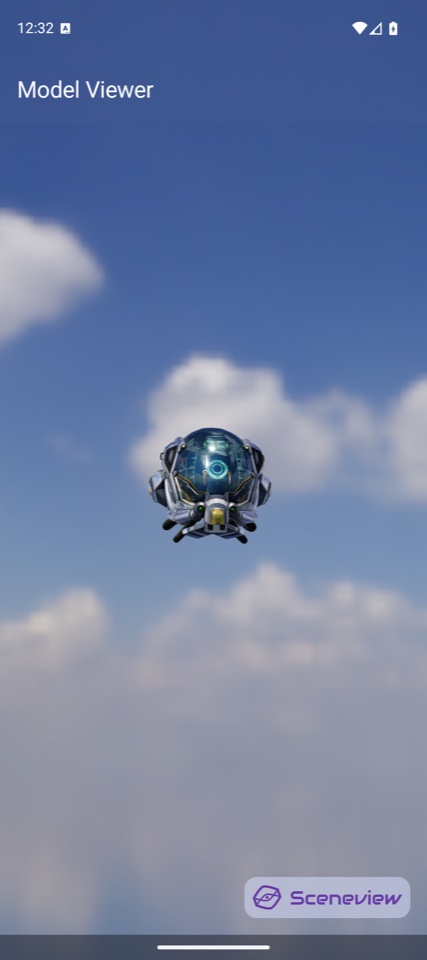
3D Playground
Write code, see it render live. Orbit, zoom, switch models.
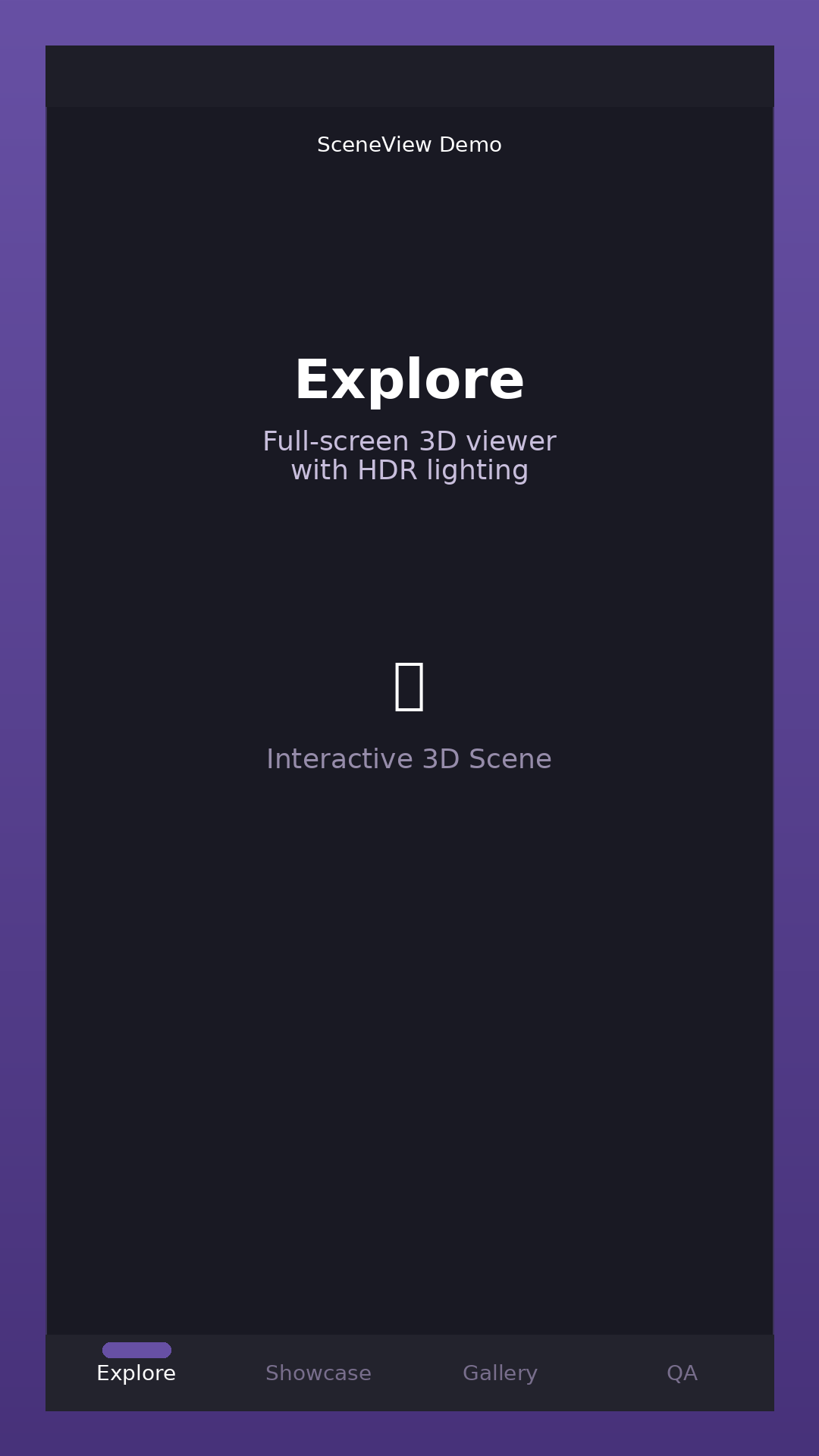
Android Demo
Material 3 Expressive, 37 demos (24 3D + 13 AR)
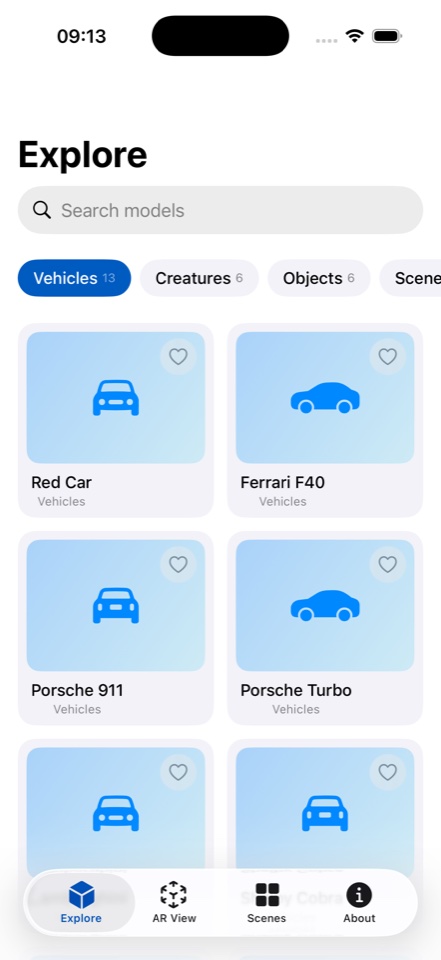
iOS Demo
SwiftUI 3-tab app, 3D + AR samples
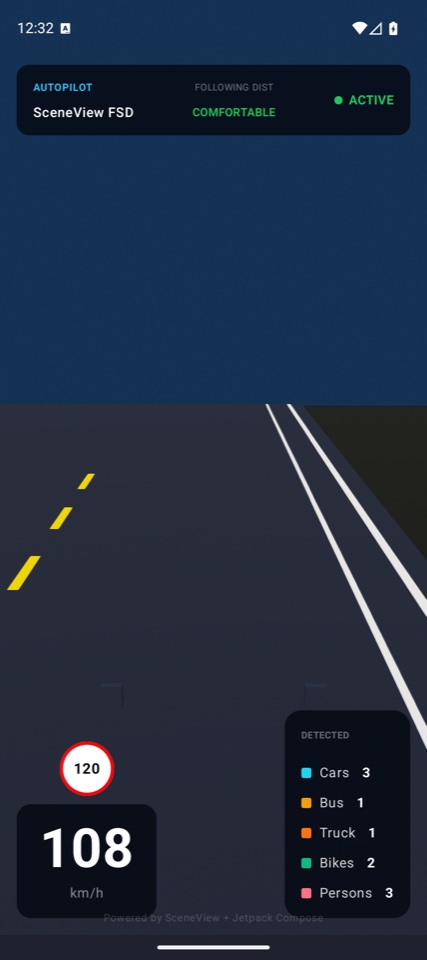
Web Demo
Filament.js WASM + WebXR in the browser
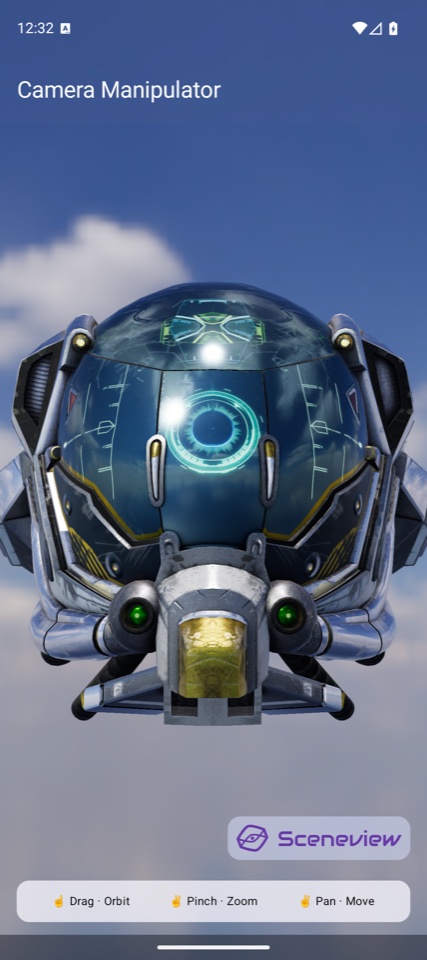
Procedural Geometry
Runtime shapes, buildings, and scenes
Get involved
SceneView is open source and community-driven.
Star on GitHub
Show your support and help others discover SceneView.
forumJoin Discord
Chat with developers, get help, share your projects.
favoriteSponsor
Support development on GitHub Sponsors, Open Collective, or Polar.
group_addContribute
Fix bugs, add features, improve docs. All contributions welcome.
Start building in 5 minutes
added 12 packages from 8 contributors and audited 42 packages in 1.2s
Success! Ready to use SceneView in your project.