Samples
15 working sample apps ship with the repository. Clone and run them to see SceneView in action.
Open in Android Studio, select a sample module, and run on a device or emulator.
3D samples
Model Viewer
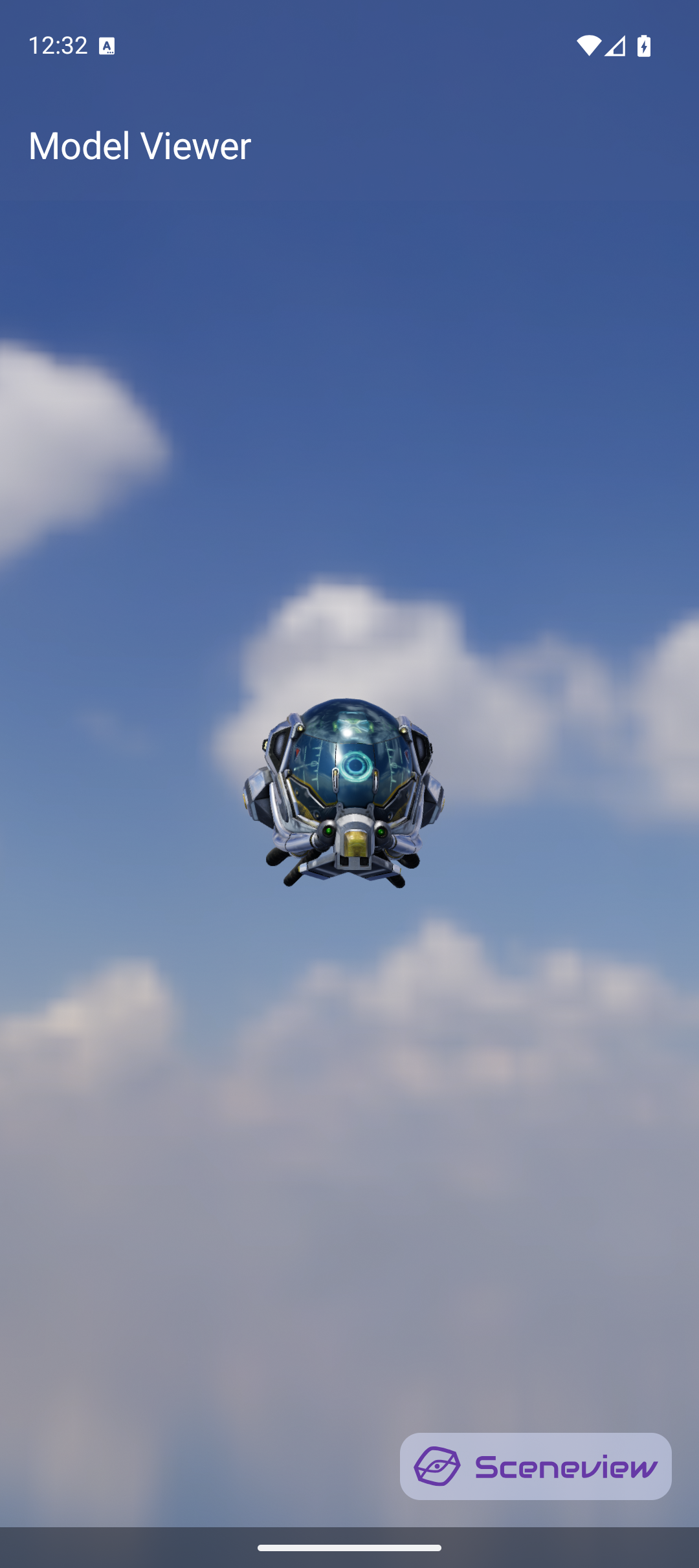
Load a glTF/GLB model with HDR environment lighting, orbit camera, and animation playback controls.
Scene(
    modifier = Modifier.fillMaxSize(),
    cameraManipulator = rememberCameraManipulator(),
    environment = environment
) {
    rememberModelInstance(modelLoader, "models/helmet.glb")?.let {
        ModelNode(modelInstance = it, scaleToUnits = 1.0f, autoAnimate = true)
    }
}
Demonstrates: ModelNode, rememberModelInstance, rememberCameraManipulator, HDR environments, animation controls
Camera Manipulator
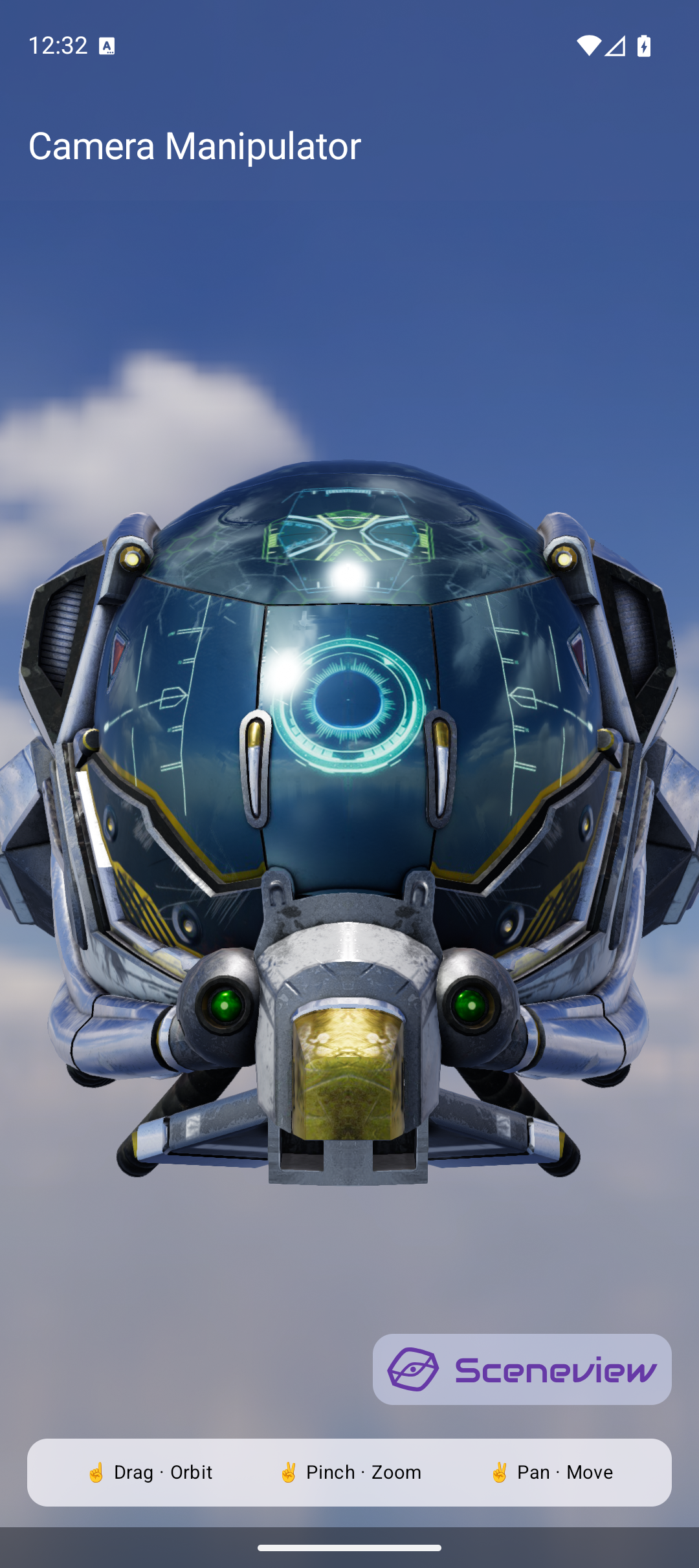
Orbit, pan, and zoom with gesture hints.
Demonstrates: CameraManipulator, one-finger orbit, pinch-zoom, two-finger pan
glTF Camera
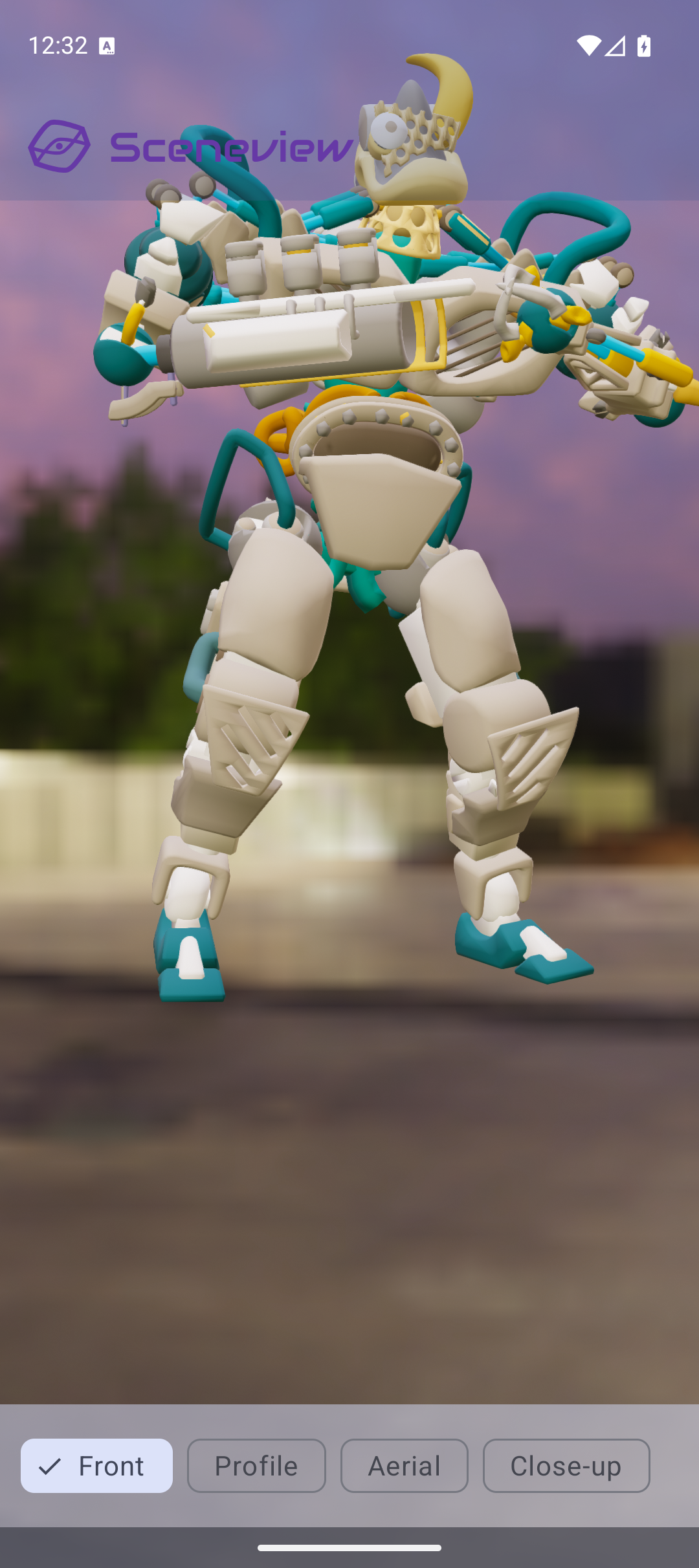
Use cameras defined inside a glTF file. The scene animates between camera viewpoints imported from Blender.
Demonstrates: CameraNode, glTF-embedded cameras, animated transitions
Dynamic Sky
Time-of-day sun positioning with turbidity and fog controls. Sunrise, noon, sunset — all driven by a Compose slider.
Demonstrates: DynamicSkyNode, FogNode, reactive lighting from Compose state
Reflection Probe
Metallic surfaces with local cubemap reflections that override the global environment.
Demonstrates: ReflectionProbeNode, IBL override, metallic materials
Physics Demo
Tap the screen to throw balls. They bounce off the floor and each other with rigid body physics.
Demonstrates: PhysicsNode, gravity, collision detection, tap-to-throw interaction
Post-Processing
Toggle visual effects: bloom, depth-of-field, SSAO, and fog. See the difference each makes.
Demonstrates: Filament post-processing pipeline, View options, composable toggles
Line & Path
3D line drawing, axis gizmos, spiral curves, and animated sine-wave paths.
Demonstrates: LineNode, PathNode, updateGeometry(), GPU line primitives
Text Labels
Camera-facing text labels floating above 3D spheres. Tap to cycle text.
Demonstrates: TextNode, BillboardNode, Canvas-rendered text in 3D space
Autopilot Demo
A fully autonomous 3D scene — no user interaction needed. Compose state drives everything.
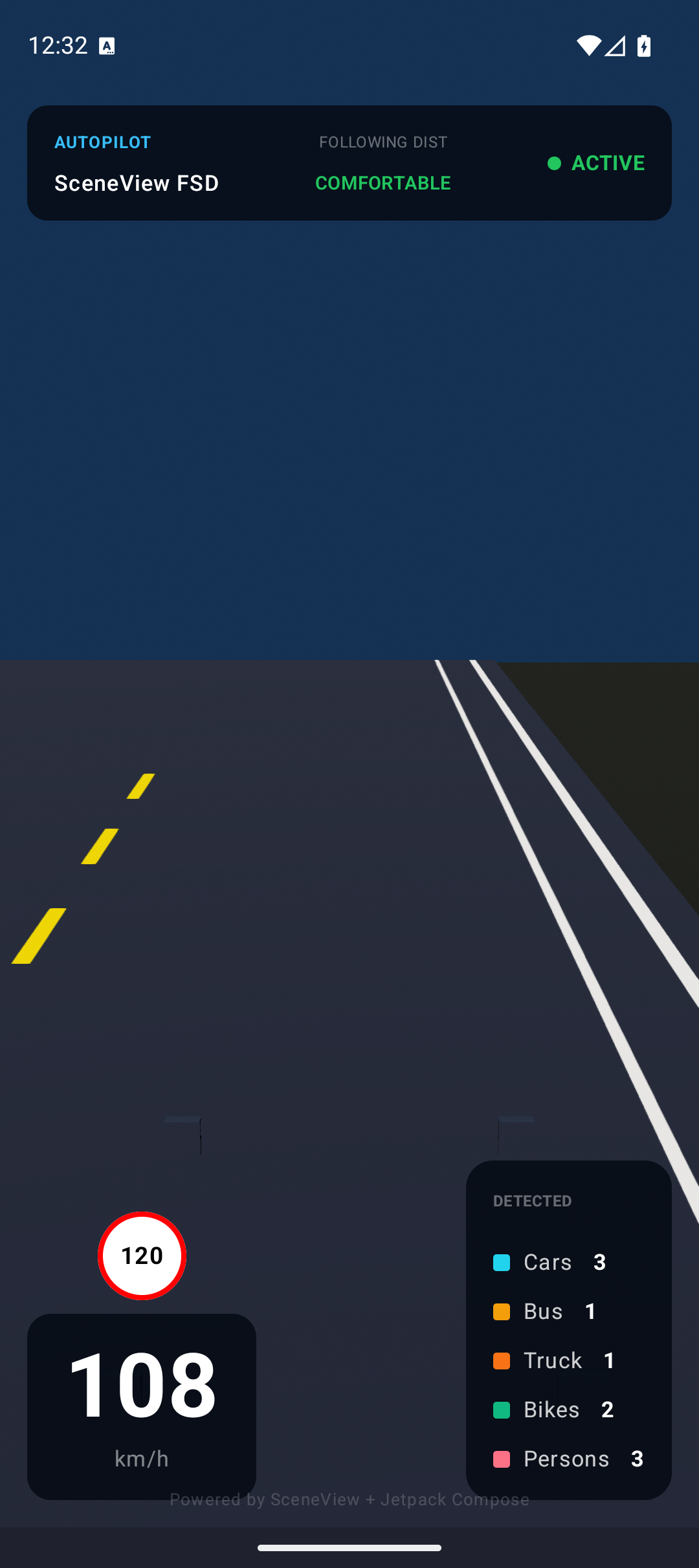
Demonstrates: Pure state-driven 3D, rememberInfiniteTransition, automatic animation
AR samples
AR Model Viewer
Tap to place a 3D model on a detected plane. Pinch to scale, drag to move, two-finger rotate. Multiple models supported.
ARScene(
    planeRenderer = true,
    onSessionUpdated = { _, frame ->
        // Detect planes and create anchors
    }
) {
    anchor?.let { a ->
        AnchorNode(anchor = a) {
            ModelNode(modelInstance = model, scaleToUnits = 0.5f)
        }
    }
}
Demonstrates: ARScene, AnchorNode, ModelNode gestures, plane detection, persistent plane mesh
AR Augmented Image
Detect a real-world image and overlay 3D content on it.
Demonstrates: AugmentedImageNode, AugmentedImageDatabase, image tracking, video overlay
AR Cloud Anchor
Host an anchor to Google Cloud and resolve it on another device. Cross-device AR persistence.
Demonstrates: CloudAnchorNode, anchor hosting/resolving, CloudAnchorState
AR Point Cloud
Visualize ARCore's feature points as a real-time point cloud.
Demonstrates: ARCore feature points, point cloud rendering, onSessionUpdated
Running AR samples
AR samples require:
- A physical device with ARCore support
- ARCore (Google Play Services for AR) installed from Play Store
- Camera permission granted
Tip
For best AR tracking, use a well-lit environment with textured surfaces (wood tables, carpet — not glass or plain white surfaces).